Thursday, February 16, 2017
Sunday, January 22, 2017
Microsoft .NET Framework 4.0

The Microsoft .NET Framework 4 redistributable package installs the .NET Framework runtime and associated files that are required to run and develop applications to target the .NET Framework 4.
The .NET Framework is Microsoft's comprehensive and consistent programming model for building applications that have visually stunning user experiences, seamless and secure communication, and the ability to model a range of business processes.
The .NET Framework 4 works side by side with older Framework versions. Applications that are based on earlier versions of the Framework will continue to run on the version targeted by default.

The Microsoft .NET Framework 4 provides the following new features and improvements:
- Improvements in CLR and BCL
- Performance improvement including better multicore support, background garbage collection, and profiler attach on server.
- New memory mapped file and numeric types
- Easier debugging including dump debugging, Watson minidumps, mixed mode debugging for 64 bit and code contracts.
- Innovations in the Visual Basic and C# languages, for example statement lambdas, implicit line continuations, dynamic dispatch, and named/optional parameters.
- Improvements in ADO.NET
- Entity Framework, which simplifies how developers program against relational databases by raising the level of abstraction. The Entity Framework has many new features in the .NET 4 Framework. These features include persistence ignorance and POCO support, Foreign Key Associations, lazy loading, test-driven development support, functions in model, and new LINQ operators.
- Data Services framework consists of a combination of patterns and libraries that enable the consumption of REST-based data services for the web. ADO.NET Data Services has many new features in the .NET 4 Framework. These features include: enhanced BLOB support, Data Binding, Row Count, Feed Customization, Projections, and Request Pipeline improvements. Built-in integration in Microsoft Office 2010 now makes it possible to expose Microsoft Office SharePoint Server data as a data service and access that data using the ADO.NET Data Services client library.
- Enhancements to ASP.NET
- More control over HTML, element IDs and custom CSS that make it much easier to create standards-compliant and SEO-friendly web forms.
- New dynamic data features including new query filters, entity templates, richer support for Entity Framework 4, and validation and templating features that can be easily applied to existing web forms.
- Web forms support for new AJAX library improvements including built-in support for content delivery networks (CDNs).
- For a comprehensive list of enhancements to ASP.NET go here.
- Improvements in WPF
- Added support for Windows 7 multi-touch, ribbon controls, and taskbar extensibility features.
- Added support for Surface 2.0 SDK.
- New line-of-business controls including charting control, smart edit, data grid, and others that improve the experience for developers who build data centric applications.
- Improvements in performance and scalability.
- Visual improvements in text clarity, layout pixel snapping, localization, and interoperability.
- Improvements to Windows Workflow (WF) that enable developers to better host and interact with workflows. These include an improved activity programming model, an improved designer experience, a new flowchart modeling style, an expanded activity palette, workflow-rules integration, and new message correlation features. The .NET Framework 4 also offers significant performance gains for WF-based workflows.
- Improvements to Windows Communication Foundation (WCF) such as support for WCF Workflow Services enabling workflow programs with messaging activities, correlation support. Additionally, .NET Framework 4 provides new WCF features such as service discovery, routing service, REST support, diagnostics, and performance.
- Innovative new parallel-programming features such as parallel loop support, Task Parallel Library (TPL), Parallel LINQ (PLINQ), and coordination data structures which let developers harness the power of multi-core processors.
.NET Framework 4 can be installed on the following operating systems:
- Windows XP SP3
- Windows Server 2003 SP2
- Windows Vista SP1 or later
- Windows Server 2008 (not supported on Server Core Role)
- Windows 7
- Windows Server 2008 R2 (not supported on Server Core Role)
Friday, January 13, 2017
DOWNLOAD 3DMARK VANTAGE

3DMark Vantage is the new industry standard PC gaming performance benchmark from Futuremark, newly designed for Windows Vista and DirectX10. It includes two new graphics tests, two new CPU tests, several new feature tests, and support for the latest hardware. 3DMark Vantage is based on a completely new rendering engine, developed specifically to take full advantage of DirectX10, the new graphics API from Microsoft.
Note: 3DMark Vantage requires Windows Vista and DirectX10 Compliant graphics card, and does not work in any other operating systems or with sub-DX10 graphics cards.
DOWNLOAD HERE
Thursday, January 12, 2017
DOWNLOAD FIREFOX LATEST V 51.0

Mozilla Firefox is a fast, light and tidy open source web browser. At its public launch in 2004 Mozilla Firefox was the first browser to challenge Microsoft Internet Explorer’s dominance. Since then, Mozilla Firefox has consistently featured in the top 3 most popular browsers globally. The key features that have made Mozilla Firefox so popular are the simple and effective UI, browser speed and strong security capabilities. The browser is particularly popular with developers thanks to its open source development and active community of advanced users.
Easier Browsing
Mozilla put of a lot of resources into creating a simple but effective UI aimed at making browsing quicker and easier. They created the tab structure that has been adopted by most other browsers. In recent years Mozilla has also focused on maximizing browsing area by simplifying toolbar controls to just a Firefox button (which contains settings and options) and back/forward buttons. The URL box features direct Google searching as well as an auto predict/history feature called Awesome Bar. On the right side of the URL box there are bookmarking, history and refresh buttons. To the right of the URL box is a search box which allows you to customize your search engine options. Outside of that a view button controls what you see below the URL. Next to that you have the download history and home buttons.
Speed
Mozilla Firefox boasts impressive page load speeds thanks to the excellent JagerMonkey JavaScript engine. Start up speed and graphics rendering are also among the quickest in the market. Firefox manages complex video and web content using layer-based Direct2D and Driect3D graphics systems. Crash protection ensures only the plugin causing the issue stops working, not the rest of the content being browsed. Reloading the page restarts any affected plugins. The tab system and Awesome Bar have been streamlined to launch/get results very quickly too.
Security
Firefox was the first browser to introduce a private browsing feature which allows you to use the internet more anonymously and securely. History, searches, passwords, downloads, cookies and cached content are all removed on shutdown. Minimizing the chances of another user stealing your identity or finding confidential information. Content security, anti-phishing technology and antivirus/antimalware integration ensures your browsing experience is as safe as possible.
Personalisation & Development
One of the best features of the Firefox UI is customization. Simply right click on the navigation toolbar to customize individual components or just drag and drop items you want to move around. The inbuilt Firefox Add-ons Manager allows you to discover and install add-ons within the browser as well as view ratings, recommendations and descriptions. Read more about the top recommended add-ons for Mozilla Firefox. Thousands of customizable themes allow you to customize the look and feel of your browser. Site authors and developers can create advanced content and applications using Mozilla’s open source platform and enhanced API.
DOWNLOAD HERE
DOWNLOAD GBWHATSAPP APK LATEST V5.20-2.16.3
GBwhatsapp Apk: Whatsapp is one of the best Whatsapp Mod App for Android devices, which you can install on your Android device. GBWhatsapp For Android is a Mod app of official Whatsapp apk, which you can install on your Android device for doing many kinds of things like Hiding Online Status when you are using WhatsApp, Hide Second tick, Apply Themes and Much more. Many of you are already using Official Whatsapp app on your Android device, and you may have bored by using the same app again and again on the daily basis. So Here is the easy solution for you. There is one official Whatsapp modded version app is available, which is called GBWhatsapp apk. You can directly download this GBWhatsapp app now from below and enjoy it on your Device for free.
You can Simply Install This App in your Android device and add some extra features in your WhatsApp. You can also install this app alongside with your Real Whatsapp and this way you will be able to enjoy 2 Whatsapp Accounts in your Single Android device, which is surely a Good Thing. I am sure you will love this app as soon as you install this app. This app gives premium feel regarding features. There is one dedicated menu available called GBWhatsapp Settings, In Which you can do various things which you can not do any other app like copy multiple whatsapp message without date and name of sender . So Simply Download and Install This Awesome gb whatsapp apk in your android device, and enjoy it. Make Sure you also follow step by step guide for using this GBWhatsapp in your android device.
GBwhatsapp is must have app for Android devices which you can install on your Android device to get more features in your WhatsApp. In Other Words, This app is the mod version of the official WhatsApp app with lots of cool features. Previously, We were shared Game killer app for Hack Coins in Games. Now we are sharing this GB Whatsapp apk for enjoying lots of cool and great features in your WhatsApp. A few months back, Whatsapp was banning accounts who was using third-party WhatsApp mods like Gb WhatsApp or WhatsApp Plus, etc. But now no need to worry about that. This version of GBWhatsapp comes with the anti-ban mod so you will not face any ban issues with this Gbwhatsapp apk.
This Whatsapp mod can be used in any Android device for free. This is the completely Modified version of Whatsapp with lots of cool and great features which you can not ever get in any other Device. You also need few things to be setup in your device before using this apk. So Let?s have a look at it now from below about which things you must need for install and use this awesome gbwhatsapp in your Android device right now. So Simply Checkout this official Gbwhatsapp app from below, for know more about how can you install it in your Android Phone Right now without having any trouble.
Requirements for Download and Install GBWhatsapp Apk
For Install This GBWhatsapp Apk in your Android device, you need several things to be setup. Have a look now from below for know more about how can you download and install this GBWhatsapp apk in your android device easily. Make sure you have things setup for install GBWhatsapp apk on your Android device.
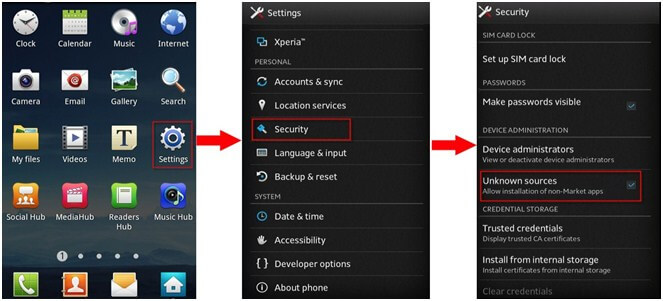
Your Android Device Must have USB Debugging Enabled for Install This app. Goto your Phone?s Settings ? Security ? Tick on Unknown Sources and Hit Ok Button.
Download Official GBWhatsapp Apk From Below Available Link From Steps.
There is no need to root your device. This app can work on both rooted and non-rooted Android devices.
Obviously, You need working Internet connection for Use this apk on your Android device.
A Smartphone Running on Android OS. (Gbwhatsapp for iPhone is still not available)
These was some of the basic requirements for download and install GBWhatsapp app on your Android device. Now follow some of the simple steps from below for know more about it.
How to Install GBWhatsapp Apk on Android
For Install This GBWhatsapp Apk in your Android device, You can follow below easy steps. If you have confused about how to install this gbwhatsapp app in your android, then simply check out these steps. This Guide Will tell you the easy steps with step by step guide about how can you Download and install this GBWhatsapp apk on your Android device right now.
At First, Download Official GBWhatsapp Apk From Below Link.
DOWNLOAD HERE
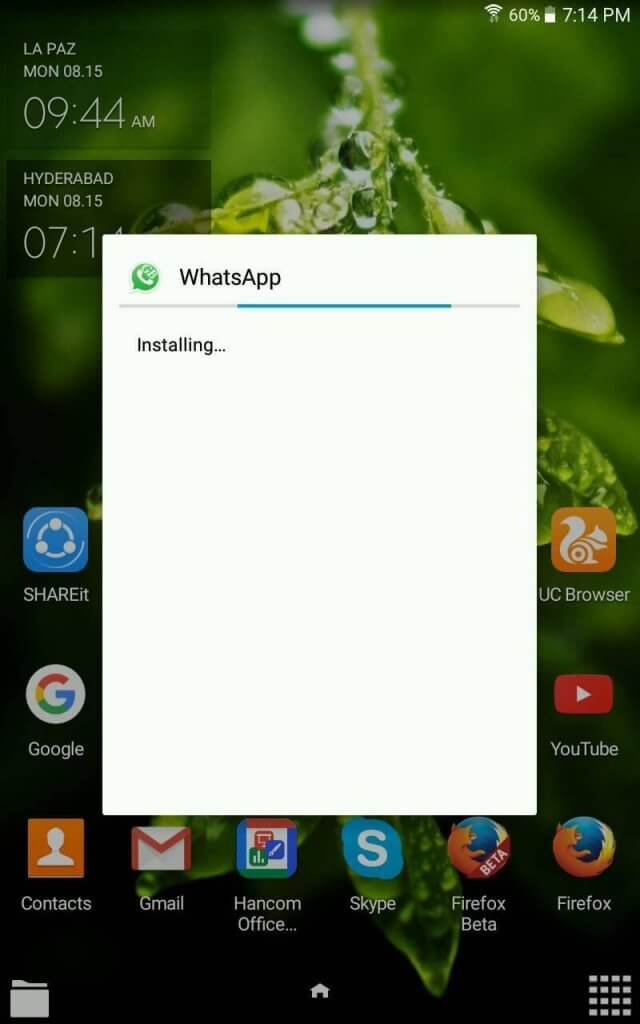
After Download GBWhatsapp apk from above link, Simply Click on It and It will Start The Installation process.
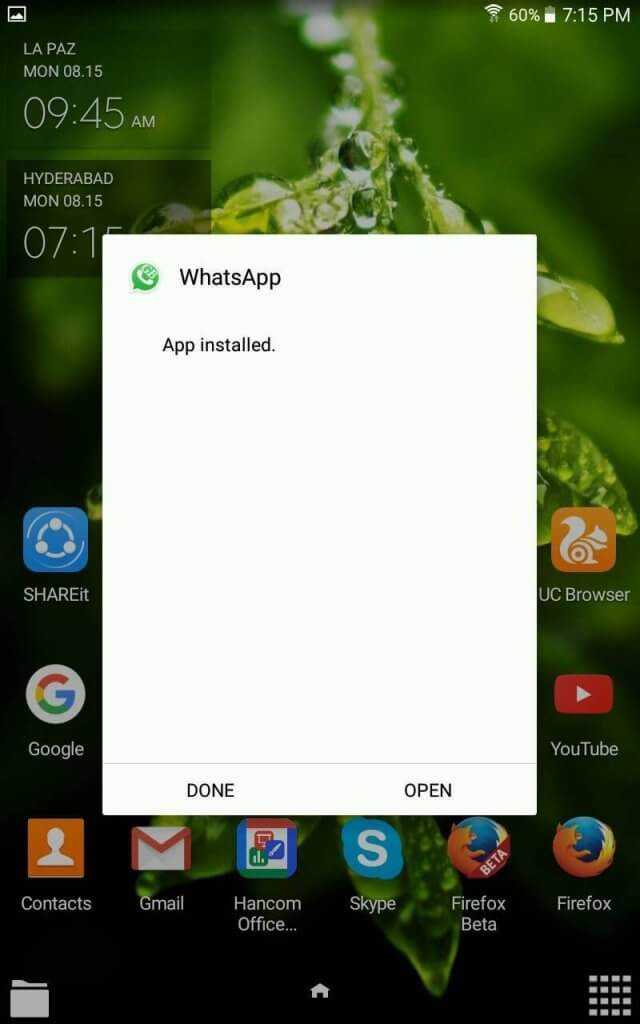
After Few seconds it will finish the installation process, and will show you that this app is installed like below Screenshot.
After Successfully Install This apk in your Android device, simply open it, and it will ask you to verify your number. So Simply Open The app and enter your number and complete the verification process.
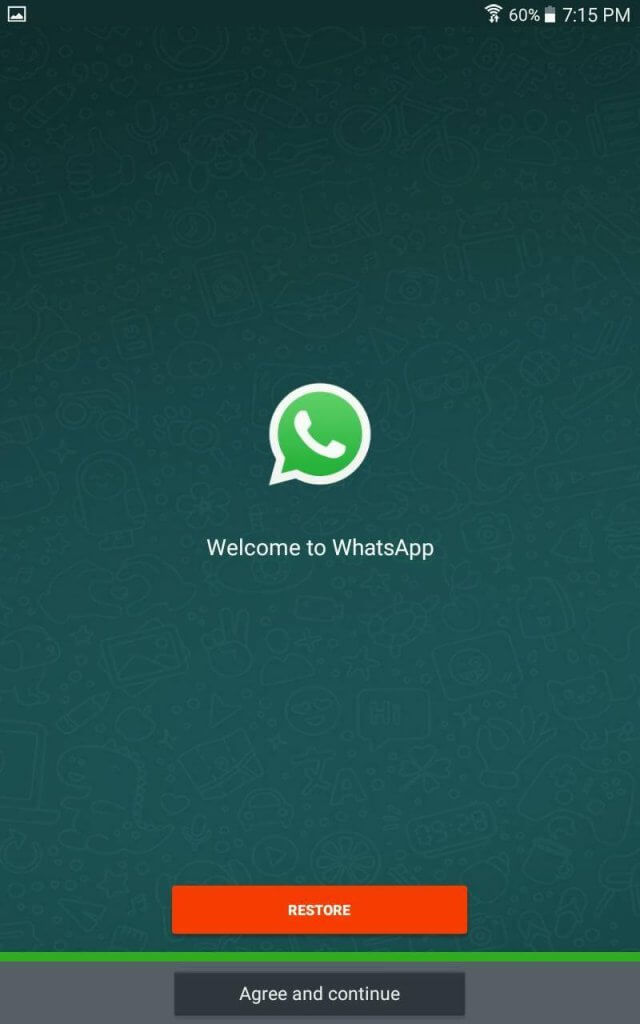
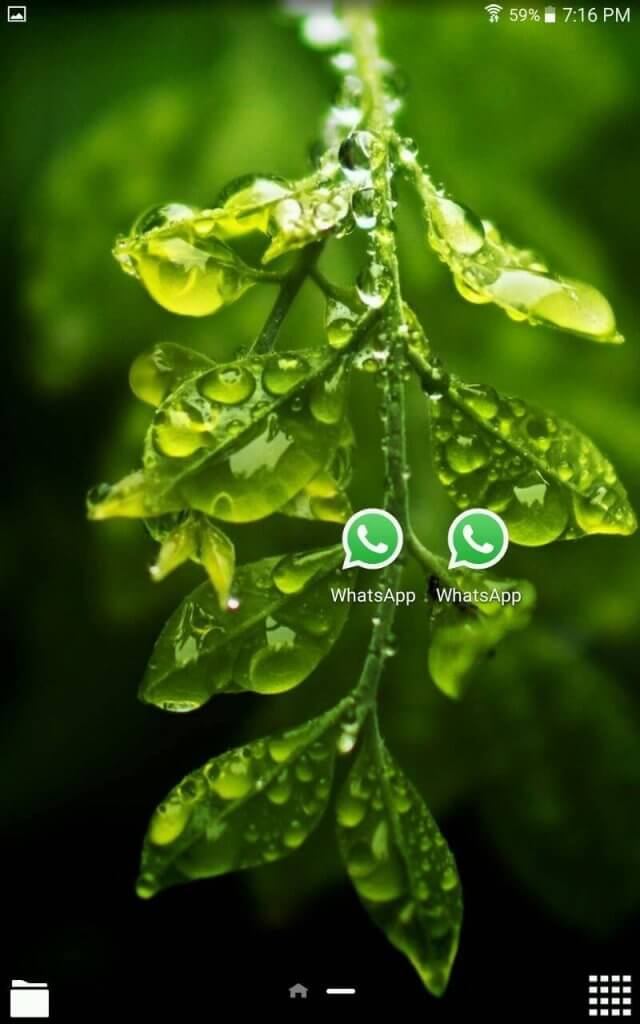
After successfully verify your number, you can open this app and enjoy it?s cool features. Obviously, you can install this Gb WhatsApp apk in your android device along with official Whatsapp for enjoying 2 Whatsapp accounts in your single Android device, like below Screenshot.
.png)


